Guide
How to Sell a MacBook Safely
Record specifications, back up files and remove account and management restrictions before transferring your Mac.
Updated
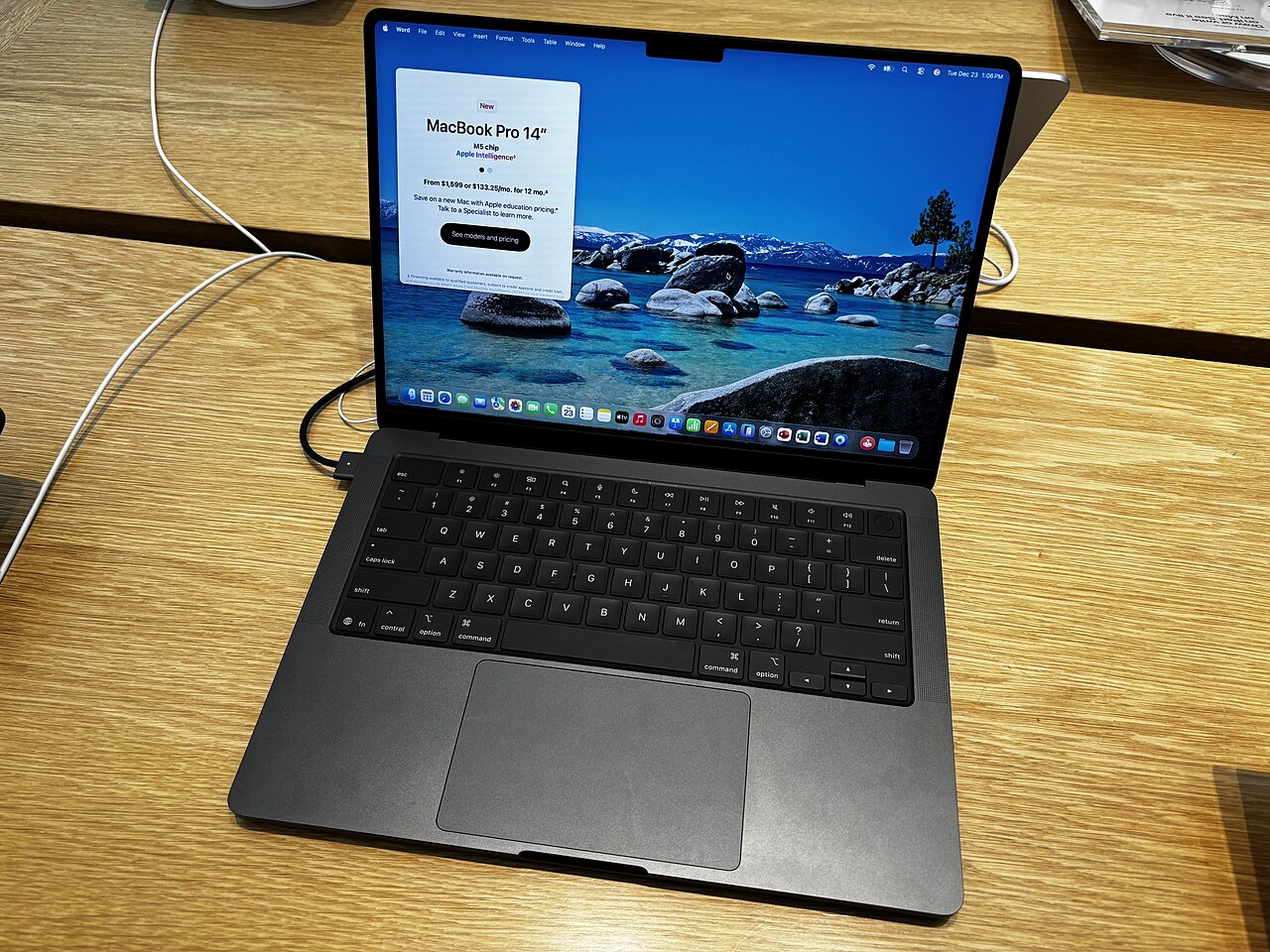
Record specifications before erasing
Open About This Mac and note model, chip, memory and screen size. Check storage capacity and battery condition. Photograph cosmetic condition for your own records, but do not post a full serial number or account details in a public listing.
Verify a backup and app access
Time Machine or another checked backup can preserve files you need. Confirm access to password managers, licenses and two-factor authentication. Sign out of services where required, using the developers' own transfer or deauthorization guidance.
Resolve Find My and business enrollment
Remove Find My with your own Apple Account. If the Mac belonged to an employer or school, ask that organization to remove management and automated device enrollment. A reinstall does not necessarily remove an organization's assignment.
Use the erase method for your Mac
Erase All Content and Settings is available on supported Macs and macOS versions. Other models require a different recovery process. Follow Apple's instructions for your exact Mac instead of deleting files manually, and leave the computer ready for its new owner to set up.
Official instructions
Apple's preparation guide is at https://support.apple.com/102773. Request a quote before erasing if you still need to collect specifications. Agree on transaction terms and never share your Apple Account password.
Ready when you are