Guide
How to Prepare an iPad for Resale
A useful iPad handover starts with a checked backup, removed accounts and a clear description of its configuration.
Updated
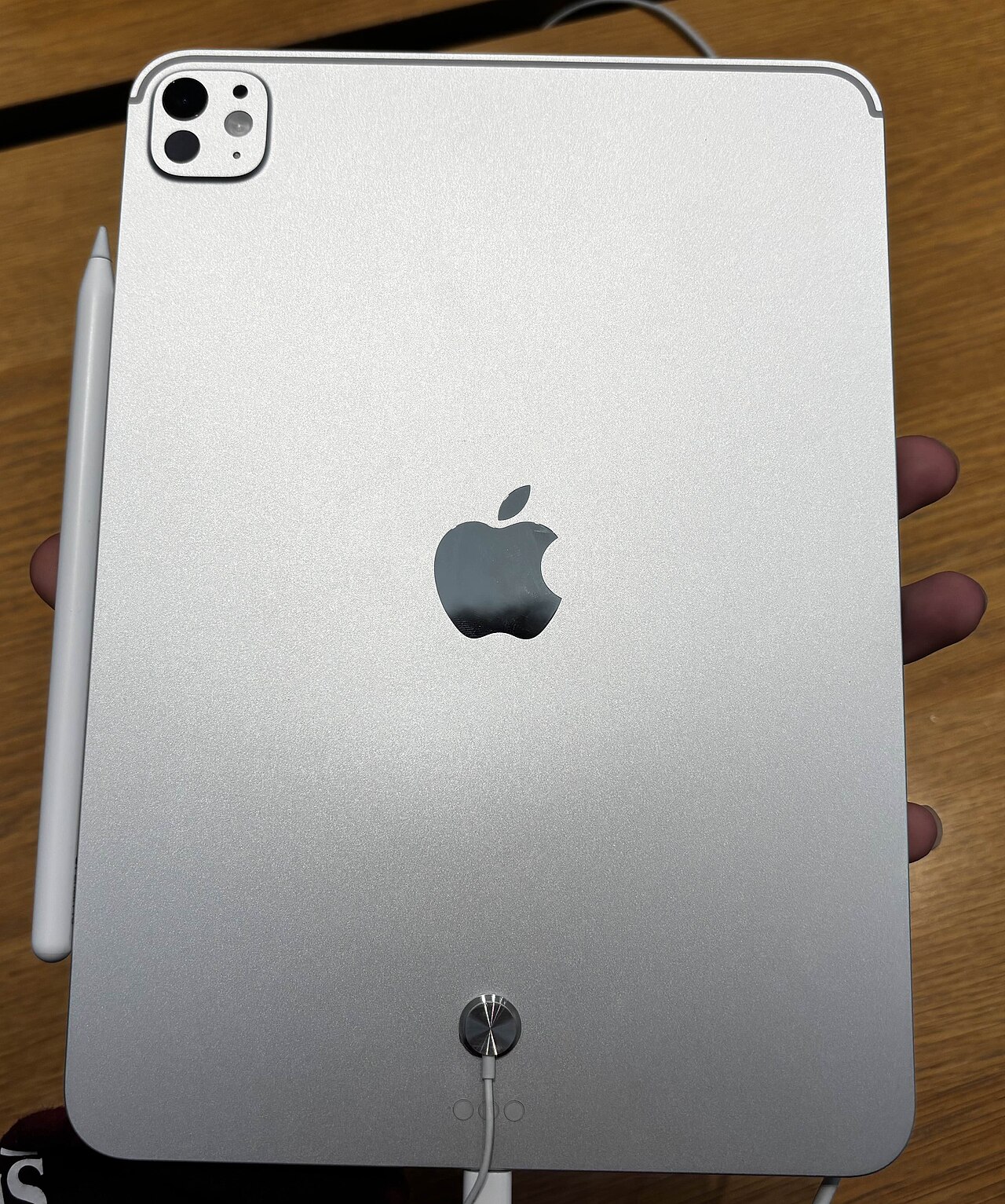
Write down model and connectivity
Record the model name, A-number, storage and whether it supports cellular service. Identify accessories separately, since keyboard and Pencil compatibility varies by generation. Check the screen, charging port, buttons and cameras.
Back up and transfer what matters
Check your photos, notes, drawings and app documents before erasing. Some apps store files outside the places you expect, so open important work on another device or verify an export. Transfer cellular service with your carrier if needed.
Remove account and organization restrictions
Follow Apple's instructions for signing out and disabling Find My with your own account. If the iPad was managed by a school or employer, ask the organization to remove management and enrollment. Do not try to bypass restrictions.
Erase only when ready
Use Settings → General → Transfer or Reset iPad → Erase All Content and Settings after completing the backup and account steps. Check that the device is ready for setup without your old Apple Account. Keep account passwords out of the transaction.
Official checklist
Apple's sale-preparation guide at https://support.apple.com/109511 covers iPad as well as iPhone. Follow current instructions for your software version.
Ready when you are