Guide
How to Identify Your iPad Model
Find the generation and A-number so a buyer can distinguish a standard iPad from an Air, mini or Pro.
Updated
Use Settings if the iPad works
Open Settings → General → About. Note Model Name and capacity. Tap the Model Number field to switch from the part number to the A-number when available. The A-number helps identify generation and connectivity.
Use the case marking carefully
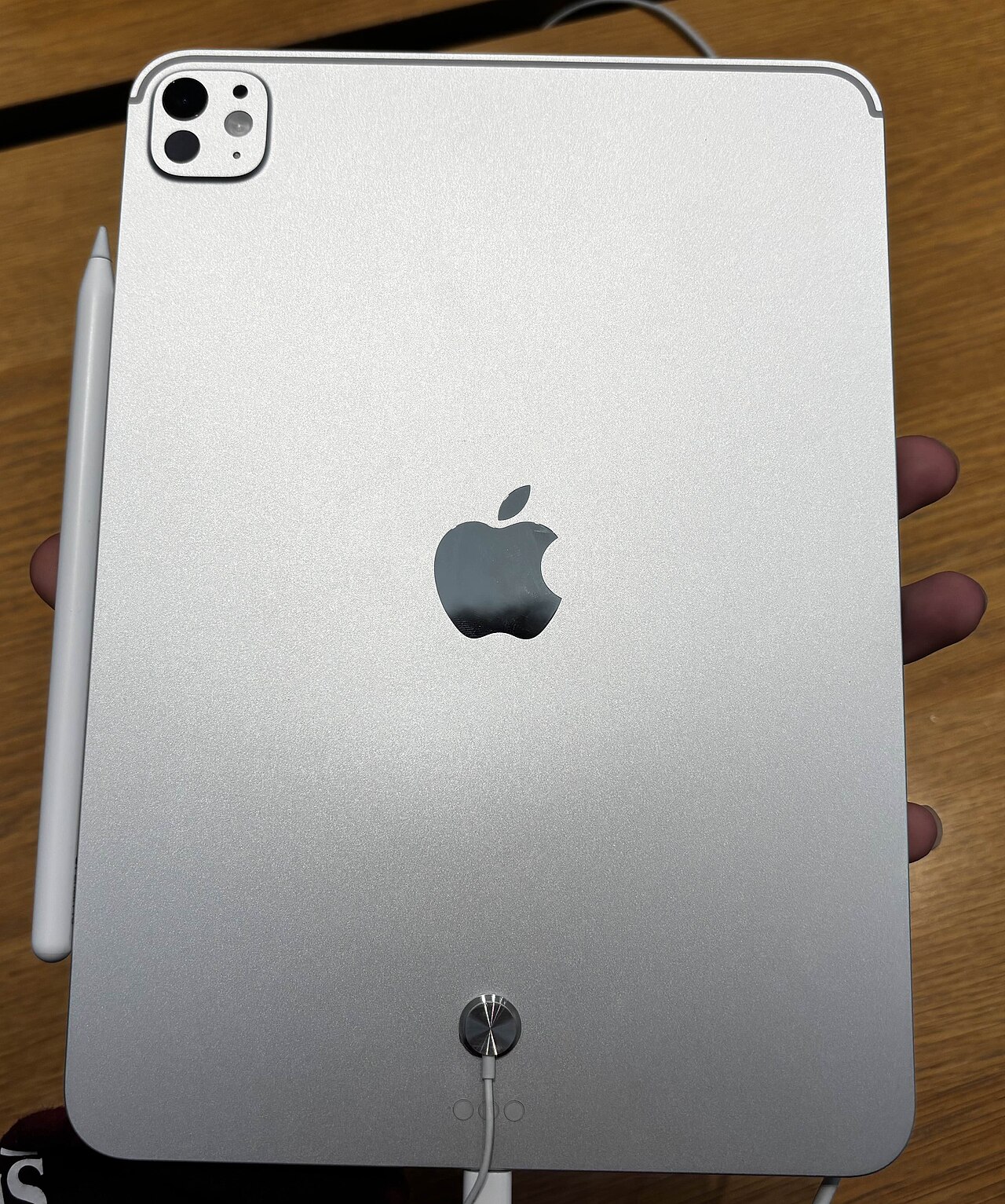
Some iPads show a small model number on the back. If it is readable, compare it with Apple's official identification list. Do not infer the generation from color, a cover or screen size alone.
Record cellular and storage details
Storage capacity is not the same as unused space. Cellular connectivity can affect the configuration even if you have never activated a plan. Mention any carrier obligation or account restriction without sending billing records.
Explain what you cannot verify
For a non-working iPad, say that it does not power on and report the markings you can read. If there is uncertainty, a buyer may need a closer inspection before quoting. A more honest “not sure” is better than selecting the nearest-looking model.
Official model list
Use https://support.apple.com/108043 to match an iPad's model number to Apple's list. Then include the verified details in your request.
Ready when you are