Guide
How to Sell Your iPhone in Mobile, Alabama
A practical checklist for describing your iPhone, requesting a local quote and protecting your personal data before you sell.
Updated
1. Identify what you are selling
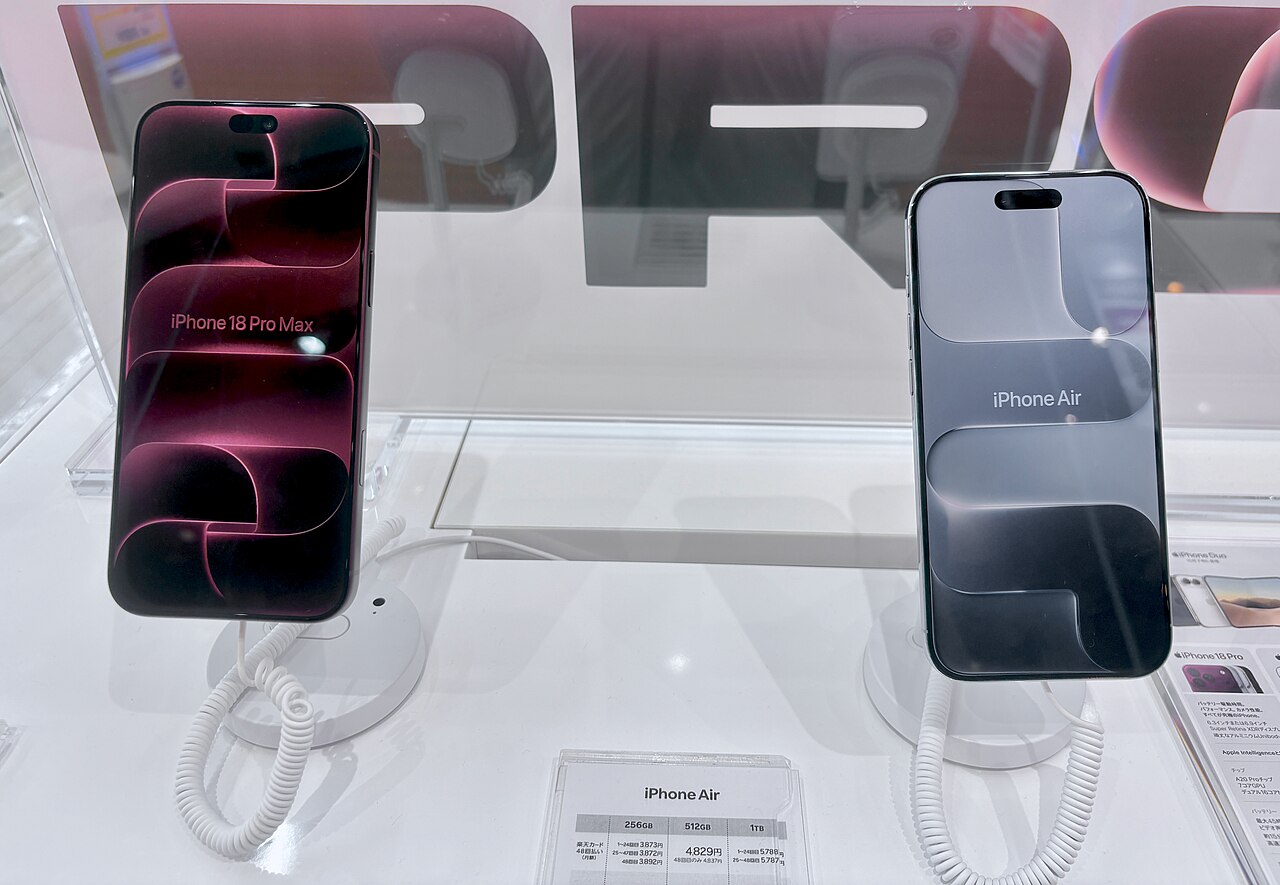
Open Settings → General → About and record the model name, storage capacity and carrier-lock status. Look at Battery Health in Settings → Battery where available. Do not guess from the camera layout or case size: several generations look similar.
2. Describe faults before asking for a price
Test touch input, cameras, speakers, microphones, Wi-Fi, charging and Face ID or Touch ID. Mention cracks, third-party parts and water exposure even if the phone still works. An accurate description avoids an offer being revised after inspection.
3. Compare the whole transaction
A local buyer, a private listing and a trade-in program have different trade-offs. Compare the actual payment method, inspection conditions and the effort involved, not an advertised maximum for a different device. Port City Buyback provides case-by-case quote requests rather than automatic valuations.
4. Prepare for a safe handover
Agree on the time, location and payment method before meeting. Keep a record of the agreed terms. Back up your data, transfer your number, remove Find My and erase personal information before final transfer. Do not hand over an unlocked phone containing your accounts.
Reference and next step
Apple's official sale-preparation checklist is at https://support.apple.com/109511. Request a quote with your model, condition and ZIP code. We will use your selected contact method to discuss the request; submitting does not commit you to a sale.
Ready when you are